The Gas Stations Spain app shows the gas stations around a location, and until now that location was wherever the app detected your device. To check prices in another town you had to go to the preferences, enter an address there, and set it as the manual location.
The new version adds a Search button in the map action bar. Move and zoom the map to any place you want to check, tap the search button, and the app will load the gas stations around that point. It works anywhere on the map, so you can use it to plan ahead: check prices near your weekend destination before leaving home, or compare a town you pass on your route.
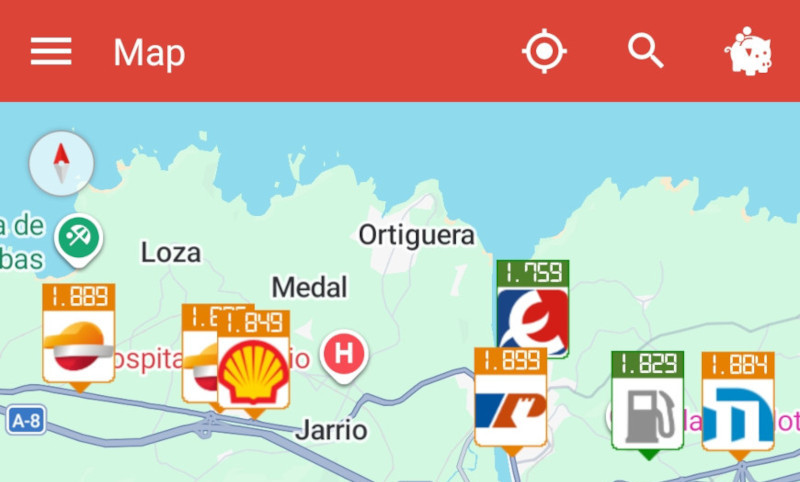
When you use it, the app stops detecting your location automatically. To go back to your current position, tap the My location button and the map will follow you again.
The new version also improves the historic price visualizer, the chart you see when swiping right in a station’s detail view. You can now drag and pinch to zoom on any period, and tapping the graph shows a tooltip with the exact date and price of that day. The line and dots are also thinner, so the price trend is easier to read.
You can get the app from Google Play.